
Seobility
Technical SEO
Budget-friendly site audit and rank tracking with a free tier
From $50/mo


PageSpeed Insights
· Google's free performance checker, powered by Lighthouse plus real-user field data
Google's free performance checker, powered by Lighthouse plus real-user field data
 Chandan Kumar
Last updated August 4, 2026
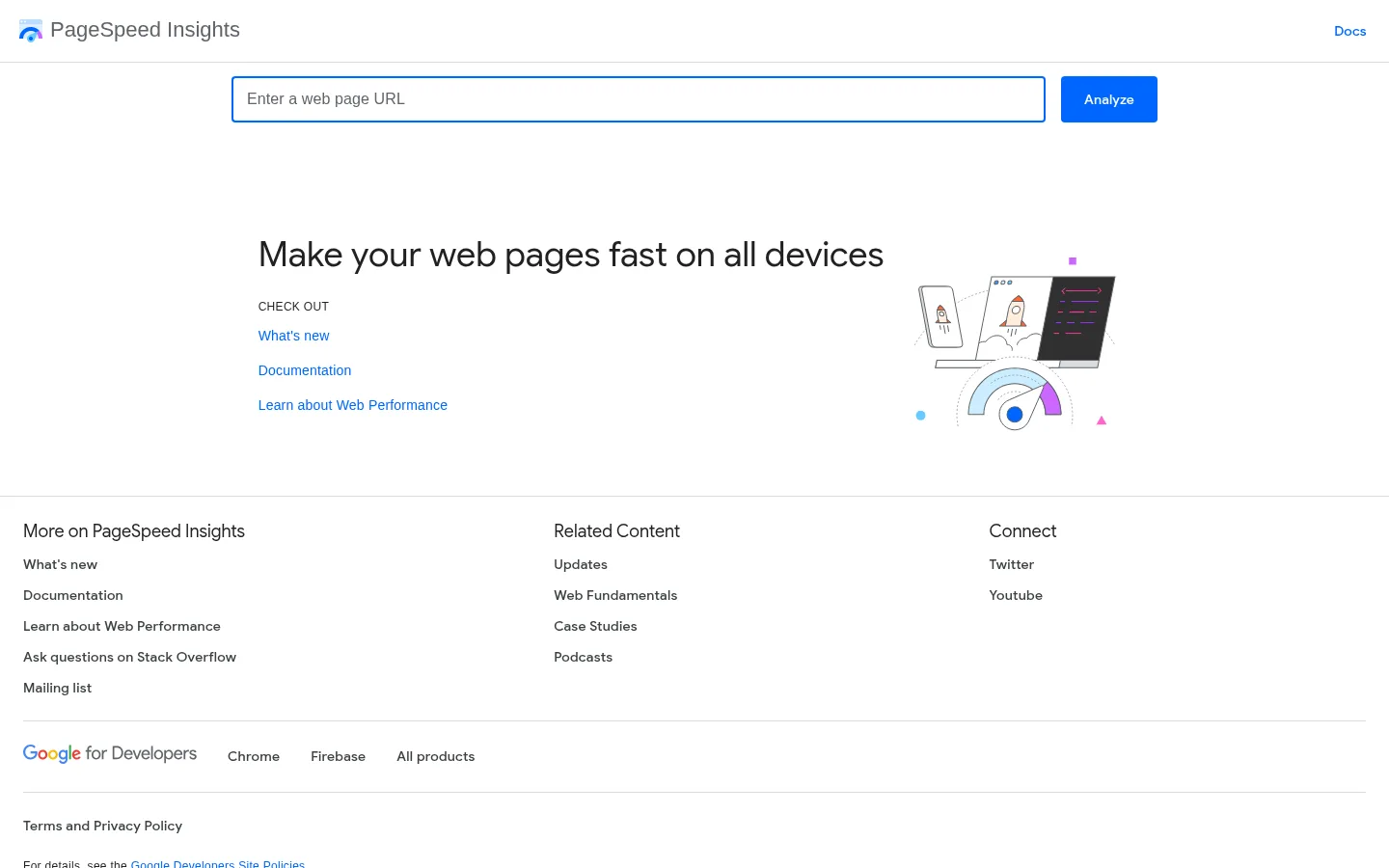
PageSpeed Insights and Lighthouse are often treated as the same tool because they share the same scoring engine, but they measure two different things.
Lighthouse, run locally via Chrome DevTools, the CLI, or CI, produces lab data.
PageSpeed Insights runs that same Lighthouse engine on Google's own servers, then layers real-user field data from the Chrome UX Report (CrUX) on top, a rolling 28-day window of how actual visitors on real devices and networks experienced the page. This is reported at the 75th percentile.
Lighthouse tests can also be done on Geekflare tools or API.
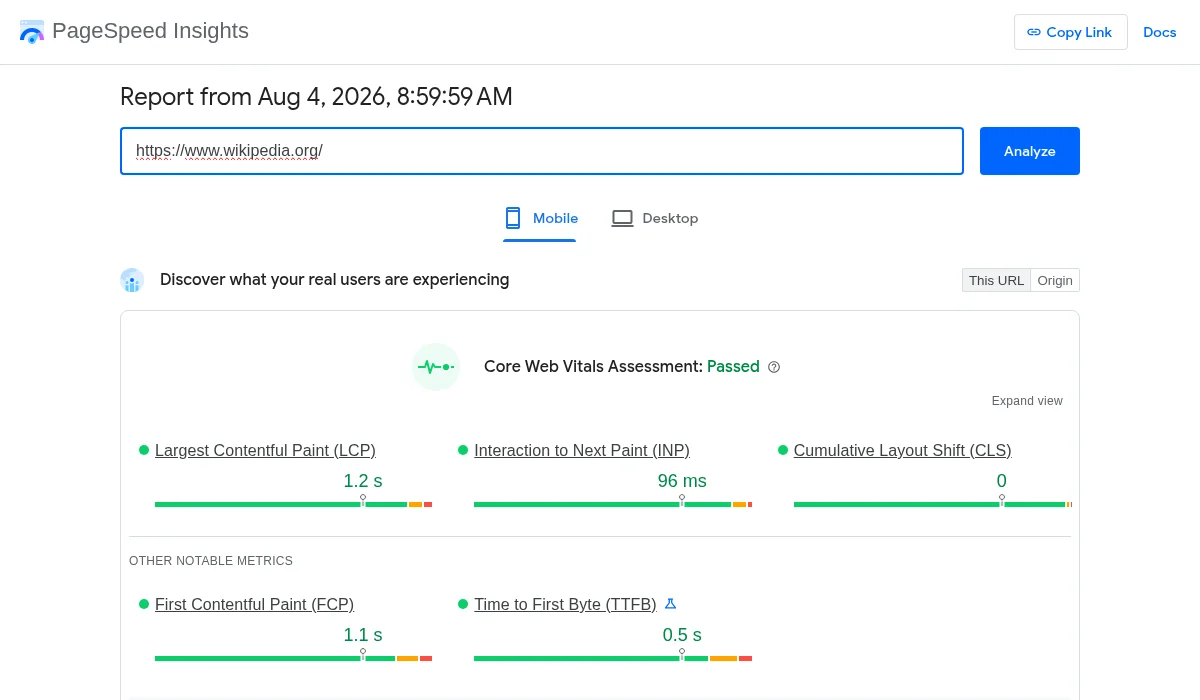
That's what a report actually looks like: the field-data section up top (real Chrome users, 28-day window), with the Lighthouse lab score and diagnostics further down the same page.
That field data is the part that actually is relevant for rankings. Google has confirmed that Core Web Vitals, the ranking signal, come from CrUX field data. A page can score 95 in a local Lighthouse run and still show Poor Largest Contentful Paint in Search Console's report because real visitors on slower connections and older devices are having a worse experience than the test simulated.
This is also why PSI scores fluctuate between runs in a way that can be confusing: shared server infrastructure, varying network routing, and the CrUX rolling window all introduce variance that a fixed local Lighthouse run doesn't have.
The two tools are complementary rather than competing. PSI's field data tells you whether real users are actually having a bad experience and whether that's likely affecting rankings. Lighthouse gives you a controlled way to isolate a specific fix, verify it worked, and catch regressions before they ship, without waiting weeks for the CrUX window to update.
Combines a fresh Lighthouse test with real Chrome user data (CrUX) so you see both a controlled diagnostic and how actual visitors experience the page.
Reports LCP, INP, and CLS against Google's pass/fail thresholds, the same field metrics that feed the Core Web Vitals ranking signal.
Specific, actionable fixes, render-blocking resources, unoptimized images, excessive JavaScript, ranked by estimated impact.
Up to 25,000 free requests per day, enough to run automated checks across many URLs without paying for a third-party service.
Runs the audit separately for mobile and desktop, important given Google's mobile-first indexing.
Try these tools as well to complement PageSpeed Insights.
Technical SEO
Budget-friendly site audit and rank tracking with a free tier

Rank Tracking
Google's free tool, and the only source of real click and impression data

Link Building
The modern successor to HARO, respond to publisher queries to earn features and links

Technical SEO
Cloud crawler and log analyzer with no per-seat or project limits

Technical SEO
Enterprise crawling and monitoring platform, formerly Deepcrawl

AI Content Detection
AI and plagiarism detection built for serious content publishers.